Free Download · No Signup · Printable

Printable Study Bundle

Three one-page printables for the whole semester: a planner for deadlines and exams, a cheat sheet for spaced repetition, and a weekly log to see where your study time goes. US Letter and A4, and they print cleanly in black and white.

Semester Planner

See the whole term at once: your courses and exam dates, plus 16 weeks of deadlines, quizzes and notes.
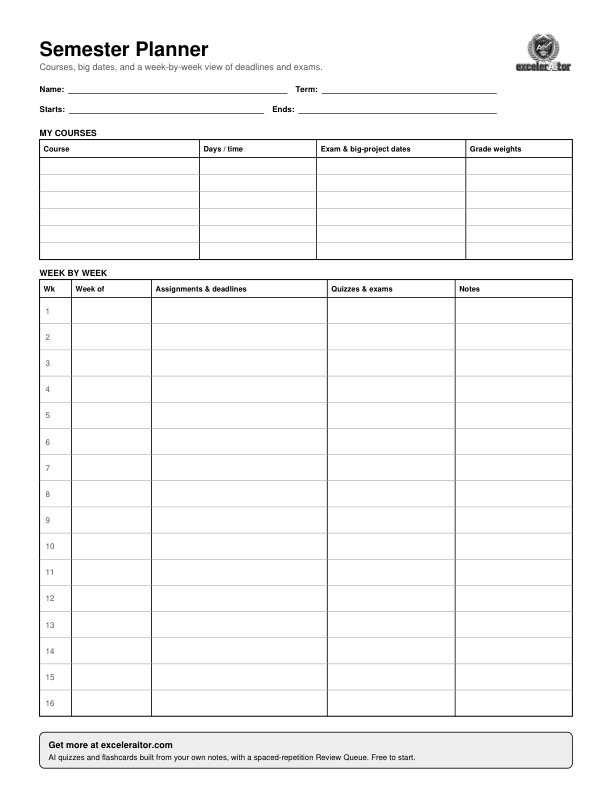
Preview of the semester planner: a courses table at the top and a 16-week grid with columns for assignments, quizzes and exams, and notes.

Fill in exam dates first, then add assignments as syllabi and deadlines come in. Pair it with the free Midterm Planner for day-by-day plans.

Spaced Repetition Cheat Sheet

One page on how spaced review works, the 1, 6 and 15 day schedule, a paper tracker, and how it maps to the Review Queue in the app.
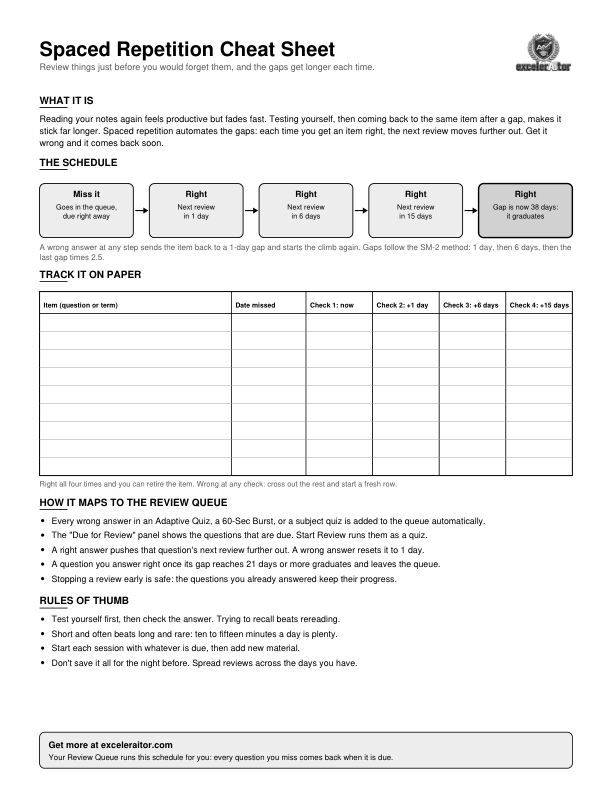
Preview of the cheat sheet: a five-step schedule diagram, a tracking table, and bullet points on the Review Queue and study habits.

The schedule matches the Review Queue in the app, so you can run the same method on paper or in excelerAItor.

Weekly Study Log

Plan the week, record planned versus actual minutes and focus for each day, and note what to change next week.
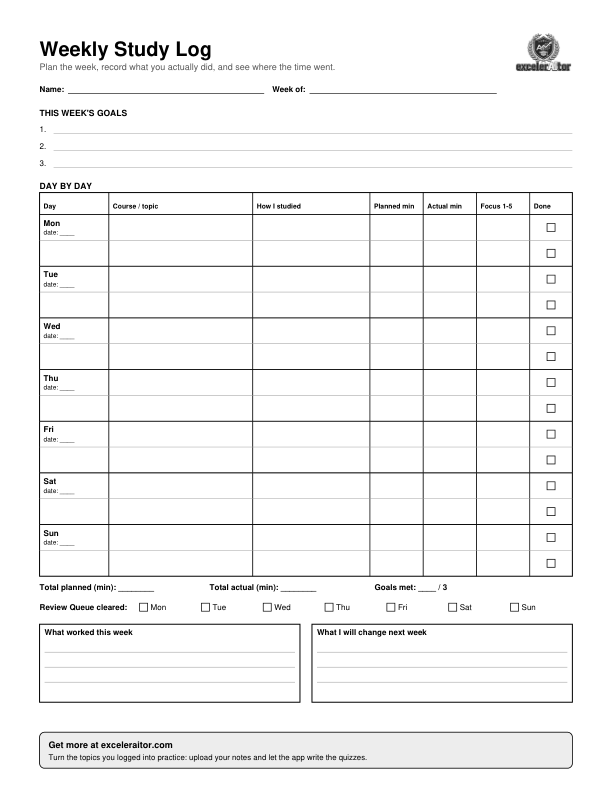
Preview of the weekly study log: three goal lines, a Monday to Sunday table of topics, minutes and focus, a Review Queue checklist, and two reflection boxes.

Spend two minutes on Sunday filling in the goals and the reflection boxes. The rest is a quick note after each session.

How to use the bundle

The three pages work together across a term. None of it needs an account.

  1. Week 1: fill in the Semester Planner. Add each course's exam dates and grade weights from the syllabus, then the deadlines you already know.
  2. Every week: use the Weekly Study Log. Set three goals, jot down what you studied, and compare your planned minutes with your actual ones.
  3. When you miss something: use the Cheat Sheet. Missed questions come back after 1, 6 and then 15 days. Track them on paper, or let the excelerAItor Review Queue schedule them for you.

Let the app run the schedule

Upload your notes and excelerAItor builds the quizzes and flashcards, then brings every missed question back right when the schedule says it is due.

Try excelerAItor Free

Planning for exams? Try the Midterm Planner or the Note-Taking Templates.