Free Download · No Signup · Printable

Note-Taking Templates

Three printable layouts for lectures and readings: Cornell, outline, and concept map. Each comes in US Letter and A4, prints cleanly in black and white, and ends with a quick guide to turning the finished page into flashcards.

Cornell Notes

Best for lectures. Notes on the right, a cue column on the left for questions, and a summary box at the bottom.
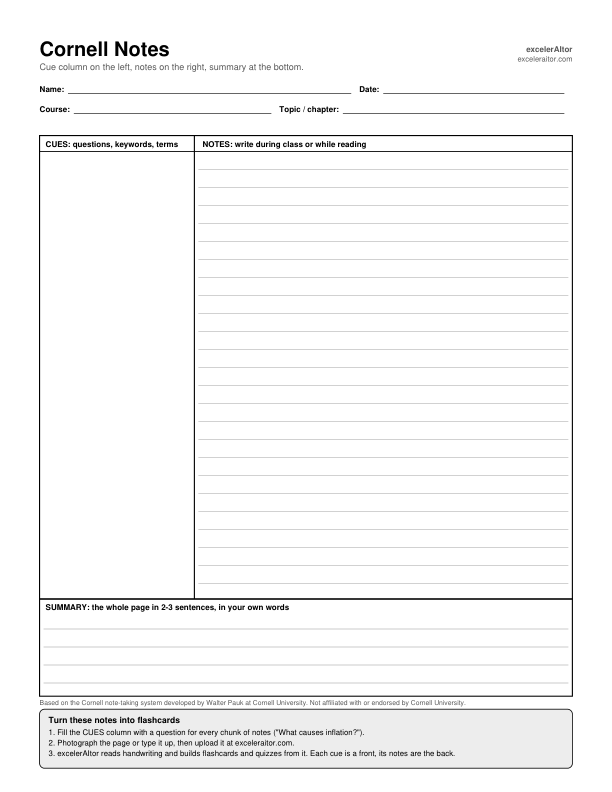
Preview of the Cornell notes template: a narrow cue column, a wide ruled notes area, and a summary box at the bottom.

Write a question in the cue column for each chunk of notes. Each question becomes the front of a flashcard.

Based on the Cornell note-taking system developed by Walter Pauk at Cornell University. Not affiliated with or endorsed by Cornell University.

Outline Notes

Best for textbook chapters and structured lectures. Pre-numbered I., A., 1. lines show you how deep to indent.
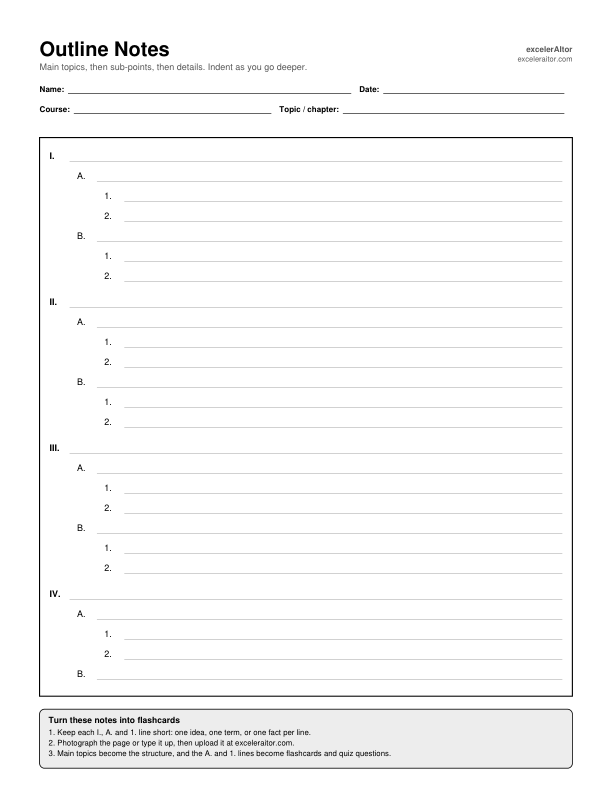
Preview of the outline notes template: ruled lines pre-numbered I, A, 1 and 2 with increasing indentation.

Keep each line to one idea, term, or fact. Short lines turn into clean flashcards.

Concept Map

Best for seeing how ideas connect. A main idea in the centre, six branches, and dashed boxes for linking words.
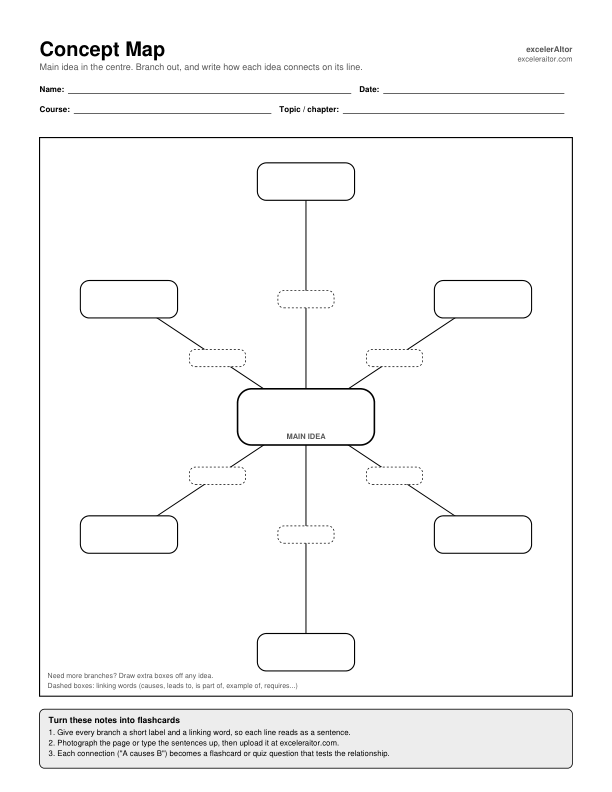
Preview of the concept map template: a main idea box in the centre joined by lines to six empty idea boxes, with dashed linking-word boxes on each line.

Write a linking word on every line (causes, leads to, is part of) so each connection reads as a sentence.

Turn your notes into flashcards

Handwritten or typed, your filled-in template works as study material. Each PDF has this guide printed at the bottom of the page.

  1. Fill in the template. Write cues, short lines, or labelled links. The more specific each entry is, the better the cards.
  2. Photograph it or type it up. Lay the page flat in good light. excelerAItor reads photos of handwritten notes.
  3. Upload it to a subject. Create a free account at exceleraitor.com and add the photo or file to a subject.
  4. Generate flashcards and quizzes. Cornell cues become fronts, outline lines become facts to recall, and concept-map links become relationship questions.

Let the app write the questions

excelerAItor builds flashcards and quizzes from your own notes, slides, and textbooks, then brings weak topics back with spaced repetition.

Try excelerAItor Free

Planning for exams? Try the Midterm Planner.